How to Organize Tax Documents: Forms, Dates and a System
To organize tax documents, set up one tax folder or box for the year before January, drop every form in as it arrives, and check items off a list of the forms you expect. Most W-2s and 1099s arrive by January 31 and many brokerage forms by mid-February, so scan each one and file once everything is in.
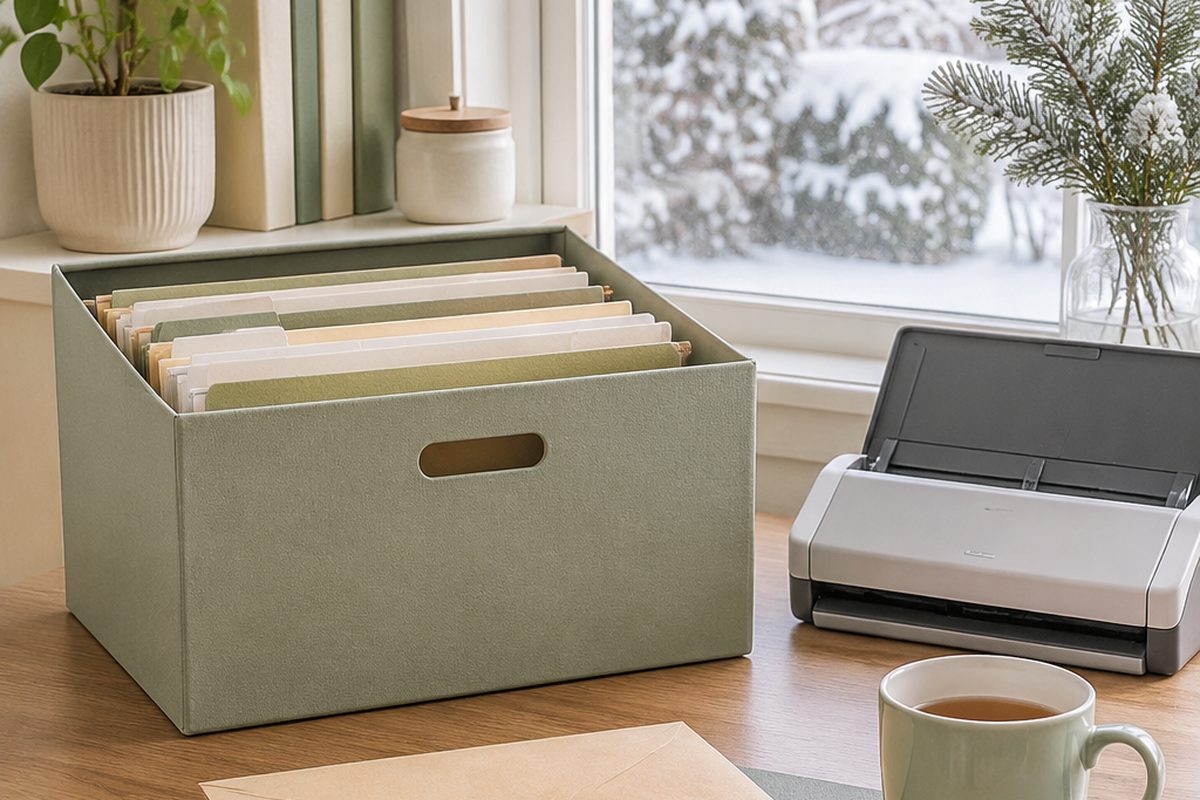
Tax season gets stressful mostly because the paperwork arrives in pieces. A W-2 shows up in the mail, a 1099 lands in an inbox you rarely check, the bank posts a form online and the mortgage statement gets buried under catalogs. By March, half the job is finding things.
A simple system fixes that before it starts: one place for every tax document, a list of what you expect, and a habit of scanning each form as it comes in. Below is how to set it up for a typical US household. This is general organizing information, not tax advice, so check with a tax professional about your own situation.
| Document | When it usually arrives | Who sends it |
|---|---|---|
| W-2 (wages) | By January 31 | Each employer you worked for |
| 1099-NEC (freelance or contract pay) | By January 31 | Clients that paid you above the reporting threshold |
| 1099-INT and 1099-DIV (interest, dividends) | Usually by the end of January | Banks, credit unions, brokerages |
| 1099-B (sales of stocks and funds) | By February 15 | Brokerages, often as a combined 1099 |
| 1099-R (retirement distributions) | By January 31 | IRA custodians, pension plans |
| 1099-G (unemployment, state refunds) | Usually by the end of January | State agencies |
| 1099-K (payment apps and card sales) | By January 31 | Payment platforms and processors |
| SSA-1099 (Social Security benefits) | By January 31 | Social Security Administration |
| 1098 (mortgage interest) | By January 31 | Your mortgage servicer |
| 1098-T (tuition) and 1098-E (student loan interest) | By January 31 | Colleges and student loan servicers |
| 1095-A (Marketplace health coverage) | By January 31 | HealthCare.gov or your state exchange |
| 1095-B and 1095-C (other health coverage) | Often later, sometimes only on request | Insurers and large employers |
Dates are the general deadlines for sending forms to you. Some forms are posted online instead of mailed, and corrected forms can arrive later. This is general information, not tax advice.
- Set up one tax folder or box for the year
- Make a checklist of the forms you expect
- Know the January forms: W-2 and 1099s
- Collect deduction and credit forms
- Do not forget health coverage forms
- Check your inbox and online accounts too
- Scan paper forms as they arrive
- Sort and review once everything is in
- File the finished return and start next year's folder
1Set up one tax folder or box for the year
Before January, label one container with the tax year, such as 2026 Taxes. For most households a single expanding file or a sturdy folder is enough; if you are self-employed or own rental property, use a desktop file box with hanging folders.
Inside, make a handful of sections: income forms, deductions and credits, health coverage, property and investments, and last year's return. Keep the box in one spot near where mail lands, not in the basement. The goal is that every tax document has exactly one place to go the moment it arrives, so nothing ends up on the counter.

2Make a checklist of the forms you expect
Pull last year's return and list every form that went into it: each employer's W-2, each bank's 1099-INT, the 1098 from your mortgage, any 1099-NEC from freelance clients. Add anything new this year, like a new job, a new brokerage account or a child who started college.
Tape the list inside the folder and check off each form as it arrives. This is the single most useful step, because it tells you what is still missing instead of making you guess. Mid-February, if a line is not checked, you know exactly whom to call or which account to log in to.
3Know the January forms: W-2 and 1099s
Employers must give you your W-2 by January 31. Most 1099s have the same January 31 deadline, including 1099-NEC for contract work, 1099-INT for bank interest, 1099-DIV for dividends, 1099-R for retirement distributions and SSA-1099 for Social Security.
Brokerage forms are the exception. Form 1099-B, which reports sales of stocks and funds, is due by February 15, and many brokerages send one combined 1099 around then. Wait for it before filing if you sold investments. Unemployment and state tax refunds are reported on 1099-G, usually by the end of January. If you used payment apps or sold online, a 1099-K may also arrive.
4Collect deduction and credit forms
The 1098 forms back up common deductions and credits. Your mortgage servicer sends Form 1098 with the interest you paid, colleges send 1098-T for tuition, and student loan servicers send 1098-E for loan interest. All three are generally due by January 31, and many lenders only post them online.
Other items do not come on an official form, so you have to gather them yourself: receipts and acknowledgment letters for charitable gifts, child care provider names and tax ID numbers, property tax statements, and records for HSA spending. Keep a pocket in the folder for these through the year so you are not hunting in February.
5Do not forget health coverage forms
If you bought health insurance through HealthCare.gov or a state exchange, Form 1095-A matters: you use it to reconcile any premium tax credit, and it is due by January 31. Watch for it and file the return only after it arrives.
Forms 1095-B and 1095-C come from insurers and large employers. Many arrive later than other forms, and some employers now provide them only on request. You generally do not need them to file, but keep any you receive in the health section of your folder as proof of coverage.
6Check your inbox and online accounts too
More tax documents arrive electronically each year, and those are the ones people miss. Search your email for words like tax document, 1099 and W-2 in late January, and check the spam folder.
Log in to each bank, brokerage, payroll portal and loan account and look for a tax documents or statements page. Download every form as a PDF and save it straight into a digital folder named for the tax year. Many employers post W-2s in payroll systems instead of mailing them. Tick each one off your checklist the same way you would a paper form, so nothing online gets forgotten.
7Scan paper forms as they arrive
Scanning each document the day it comes in gives you a backup and makes filing faster, whether you use software or a tax preparer. A phone scanning app works fine for a few dozen pages; a small sheet-fed scanner helps if you have a lot of receipts.
Name files in a consistent way, such as 2026 W-2 Employer Name or 2026 1098 Mortgage, so you can sort them at a glance. Store the folder in an encrypted cloud account or on a backed-up drive, not just on one laptop. Keep the paper originals in your tax box until the return is filed and accepted.

8Sort and review once everything is in
When every line on your checklist is checked, usually by mid to late February, sit down once and go through the folder in order. Compare each W-2 to your last pay stub of the year, and check that names, Social Security numbers and amounts look right on every form.
If something is wrong, contact the sender and ask for a corrected form before you file; corrected forms often say CORRECTED at the top. Then hand the whole folder to your preparer or work through it in your software. Having everything in one place usually makes this a single session instead of several frustrating evenings.
9File the finished return and start next year's folder
After filing, add a copy of the return and proof that it was accepted to the folder, then move it to long-term storage with your older tax years. A fireproof document box or a labeled file drawer works well.
How long to keep it depends on your situation; the general rule is at least 3 years, and longer in some cases. Our guide to how long to keep documents has the full retention chart. Shred anything past its date, then label a fresh folder for next year so receipts and letters have a home from January 1.


A simple tax folder setup
These sections cover most households. Add a business or rental section if you have one.
| Folder section | What goes in it |
|---|---|
| Income | W-2s, 1099-NEC, 1099-INT, 1099-DIV, 1099-R, 1099-G, SSA-1099, 1099-K |
| Investments | Combined brokerage 1099 or 1099-B, cost basis records for sales |
| Home | Form 1098, property tax statements, records of home improvements |
| Education and kids | 1098-T, 1098-E, child care provider receipts and tax ID numbers |
| Health | 1095-A, any 1095-B or 1095-C, HSA records and medical receipts |
| Giving | Charity receipts and acknowledgment letters |
| Last year | Copy of last year's return for reference |
If you file jointly, keep both spouses' forms in the same folder and mark whose each one is.
Keep paper from piling up all year
The tax folder works best when the rest of your paper has a system too. A mail station near the door, a weekly ten-minute paper session and paperless statements where you can get them all keep tax papers from getting lost. Our paper clutter organization ideas show how to set that up, and the free printables page has labels and checklists you can use for your files.
- Open mail over the recycling bin and file tax items the same day.
- Create an email filter that tags messages containing tax document or 1099.
- Keep one envelope in the folder for charity and medical receipts.
- Note the day each form arrived on your checklist, so you know when to expect it next year.
Keeping it that way
Organizing tax documents is mostly about deciding where things go before they arrive. One labeled folder, a checklist of expected forms and a quick scan for each new document turn tax day from a search into a short sitting.
Set the folder up in early January along with the rest of your fresh-start projects in our guide to organizing your home in January, and keep your general paperwork under control with the new year home reset checklist.
Get the free Declutter Kit
A 7-page printable: room-by-room checklists, the 30-day challenge calendar and a 10-minute weekly reset. Free, straight to your inbox.
Everything mentioned in this guide
One list, so you can check sizes against your own measurements. Links go to Amazon; we may earn a commission.
Questions people ask
When should I have all my tax documents?
Most W-2s and 1099s must be sent by January 31, and brokerage 1099-B forms by February 15. By mid to late February, most households have everything. If a form is missing, contact the sender or check their website.
What if my W-2 has not arrived?
First check your employer's payroll portal and your email, since many W-2s are delivered online. If it is still missing in early February, ask your employer's payroll or HR department. The IRS also has guidance for missing W-2s on its website.
Should I keep paper copies if I scan everything?
Keep paper originals at least until your return is filed and accepted. After that, many people rely on scans for routine forms, but check with your tax preparer, and keep originals of anything hard to replace.
Do I need Form 1095-B or 1095-C to file?
Generally no. Form 1095-A from the Marketplace is the one you need if you had Marketplace coverage. Keep any 1095-B or 1095-C you receive with your records as proof of coverage.
What is a corrected 1099?
A corrected form replaces one that had an error, and it usually says CORRECTED at the top. Brokerages sometimes send them in March. Use the corrected version when filing, and keep both in your folder.
Is this tax advice?
No. This guide is general information about organizing paperwork. Tax rules and deadlines can change, so confirm details with the IRS or a qualified tax professional.